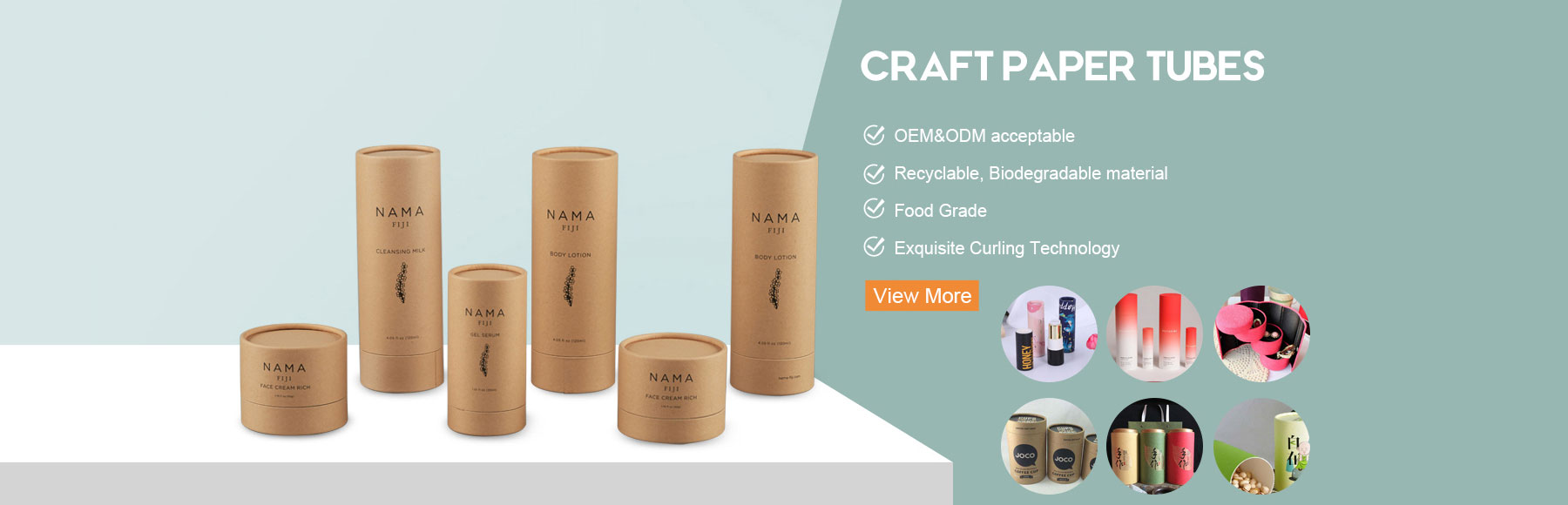
Kraft Paper Tube Mockup Free: Download Guide & 3D Packaging Design Tips
hen it comes to eco-friendly packaging, great visuals make all the difference. If you’re rolling out a new organic skincare range, premium tea set, or custom merchandise, showcasing your artwork on a lifelike kraft paper tube can immediately boost how customers see your brand.
A high-quality 3D Photoshop mockup is the quickest, most affordable way to show clients your structural layout and graphics before mass production kicks off. This guide covers where to grab top free kraft tube mockups, key features to check, and how to turn your digital preview into a perfect physical package.
1. Must-have Features for a Kraft Paper Tube Mockup
Not every free PSD mockup delivers the same quality. For realistic, convincing results, pick files with these features:
-
Smart Object support: Drop your flat 2D dieline artwork onto the 3D template in just a few clicks.
-
Authentic paper texture: Natural kraft grain, visible tube seams, and genuine rolled or crimped edge details.
-
Isolated shadow & highlight layers: Separate lighting layers let you tweak shadow strength and swap background colors without messing up product reflections.
-
High resolution: At least 3000×2000 px, 300 DPI, so your presentation stays sharp on high-resolution screens.
2. Places to Find Quality Free Kraft Tube PSD Templates
Tracking down trustworthy royalty-free packaging mockups can eat up time. These platforms have great tube mockup options:
-
Freepik & Graphic Burger: Ideal for simple, clean single-tube renders and clay-style scene setups.
-
Mockup World & FreePikels: Offers multi-angle shots, including tubes with lids removed, floating layouts and textured kraft surfaces.
-
Designbolts & PSDCovers: Great for industrial-style containers, push-up tubes and rigid cylindrical packaging.
Important: Always read the license terms carefully. Confirm whether the mockup can be used commercially or if you need to credit the creator.
3. Tutorial: Apply Your Design to a PSD Mockup
You can add your custom dieline to a smart-object mockup in under two minutes:
-
Prepare your artwork: Export your final dieline as a transparent PNG or high-resolution PDF, matching the aspect ratio of the tube surface.
-
Open the PSD: In Adobe Photoshop, find the layer labelled Place Your Design Here or Double-Click to Edit, then double-click its thumbnail.
-
Paste and resize: Insert your artwork inside the smart object window. Resize and align the graphics to fit the label area.
-
Save and exit: Press Ctrl + S (Cmd + S on Mac) to save. Go back to the main canvas to see your updated 3D preview.
-
Tweak blend mode: Change your artwork layer’s blend mode to Multiply. This lets the natural kraft texture show through your printed colors.
4. From Digital Mockup to Real Production
Digital renders look polished, but paper tube production has physical traits software cannot fully replicate:
-
Base kraft color & ink absorption: Kraft paper soaks up ink. Blank areas will carry a warm, slightly darker natural tone.
-
White underprint: If you use bright colors or white text on raw brown kraft, printers will need an underlayer of white ink.
-
Special finishes: Foil stamping (gold, silver, rose gold), spot UV and embossing all require vector dielines — raster images won’t work.
Next Step: Get Your Exact Dieline Template
Want to turn your design concept into real packaging samples? Use accurate structural dielines for your artwork, otherwise printing errors are likely.
Get in touch to request 1:1 scale vector dieline templates, or ask for professional advice on paper stock, edge treatments and custom sample making.